- In your personal account https://dsgo.pro/cms/ go to the Menu / Download players section and download the DS-GO Player installer to a flash drive or memory card.
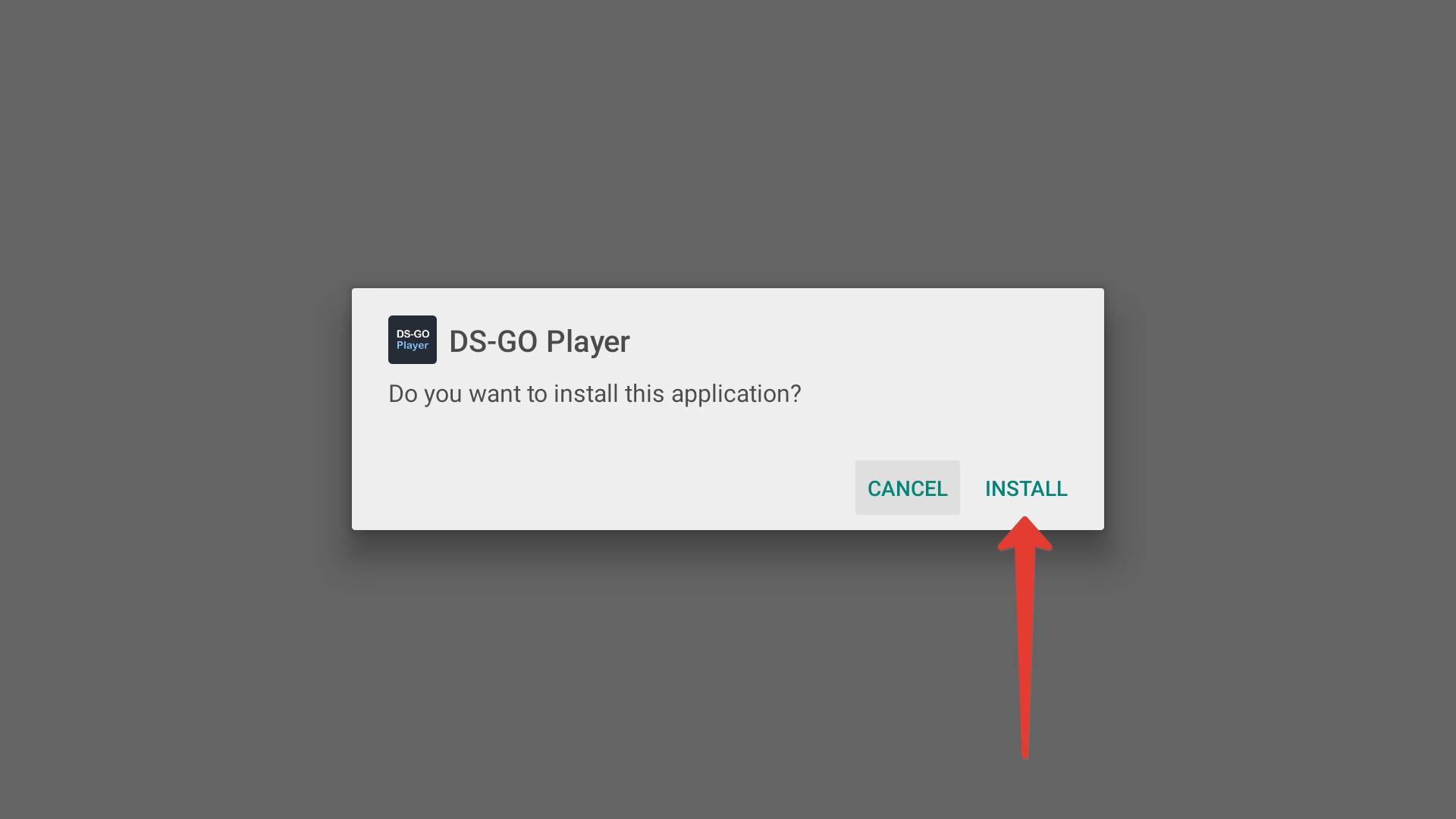
- Insert a flash drive or memory card with the installer into your set-top box or TV and, using a standard or any other file manager, start the player installation:
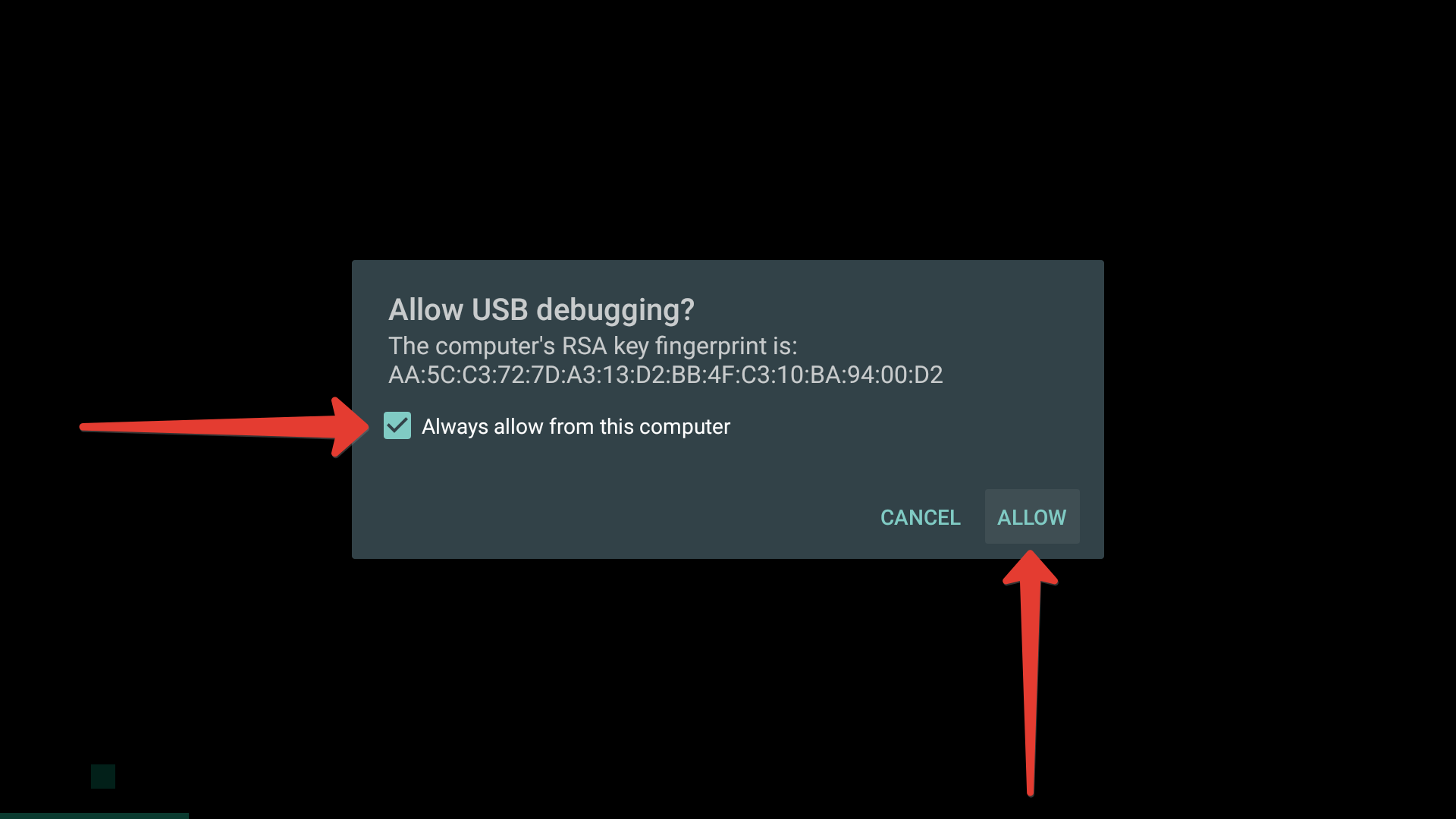
When the installation is complete, click Open, the DS-GO Player will launch. Check the Always allow from this computer checkbox and click Allow.
The registration code will be displayed: you can proceed to registering the device in your personal account.
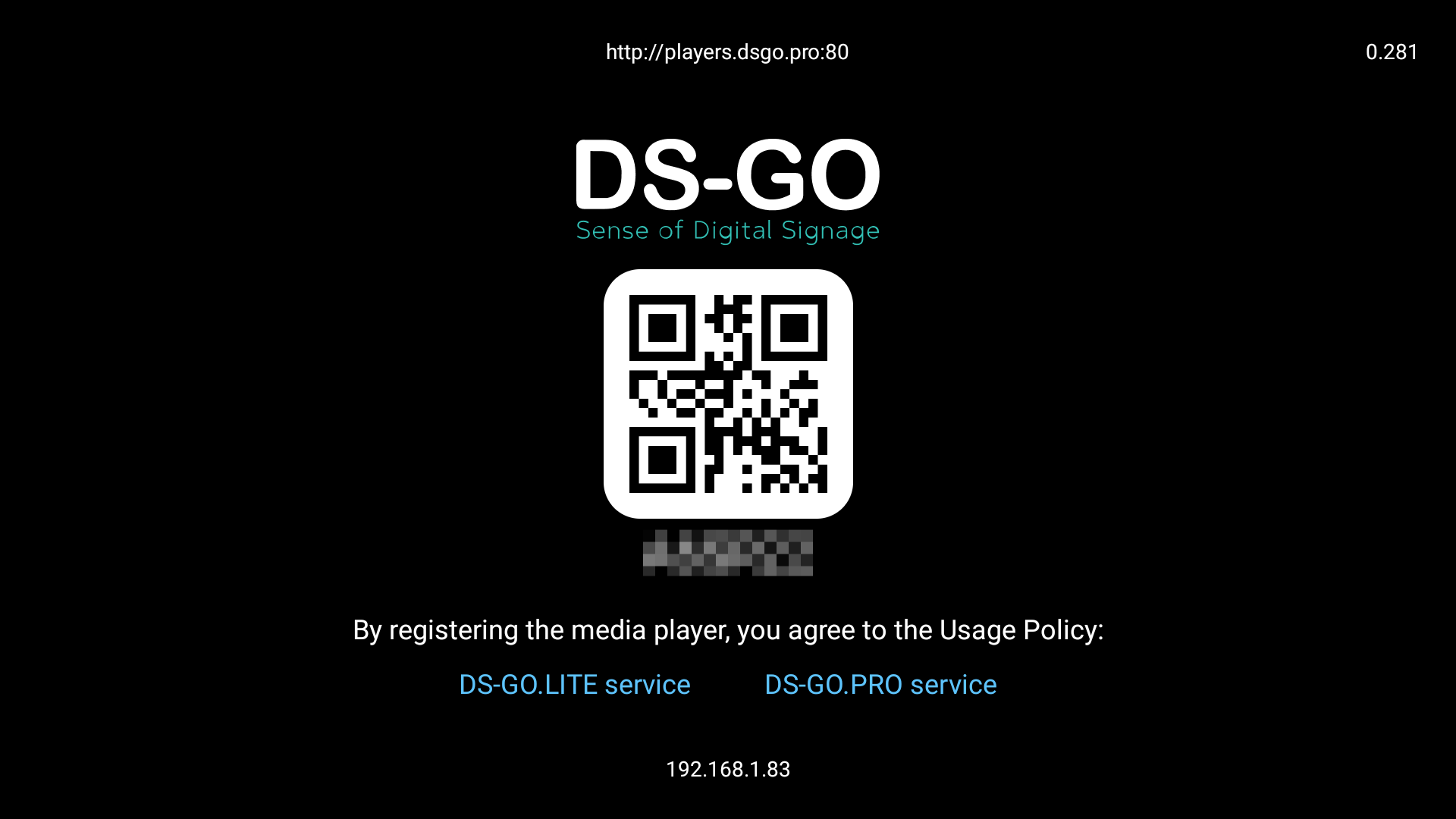
If the code is not displayed, check your device’s Internet connection.
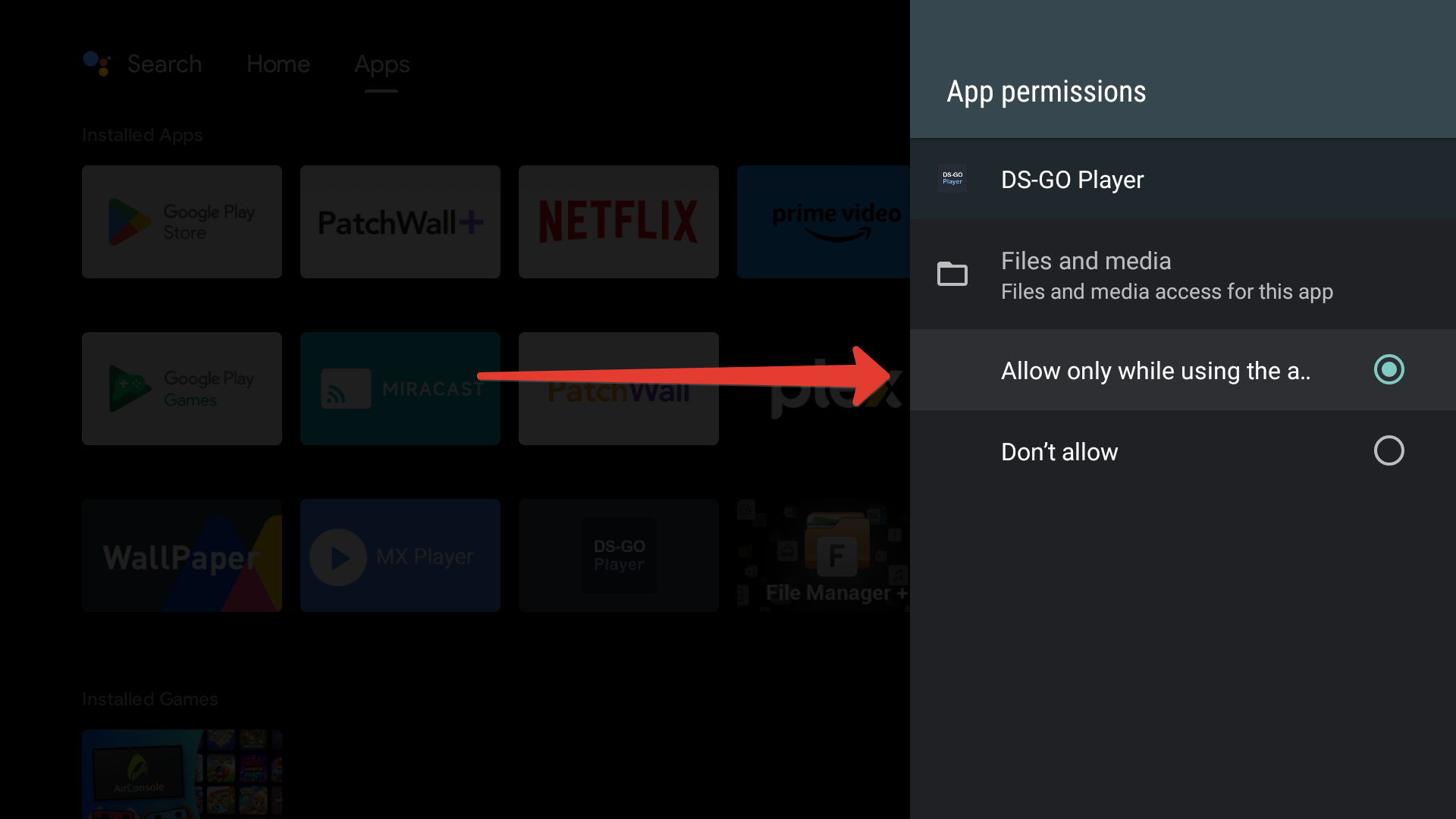
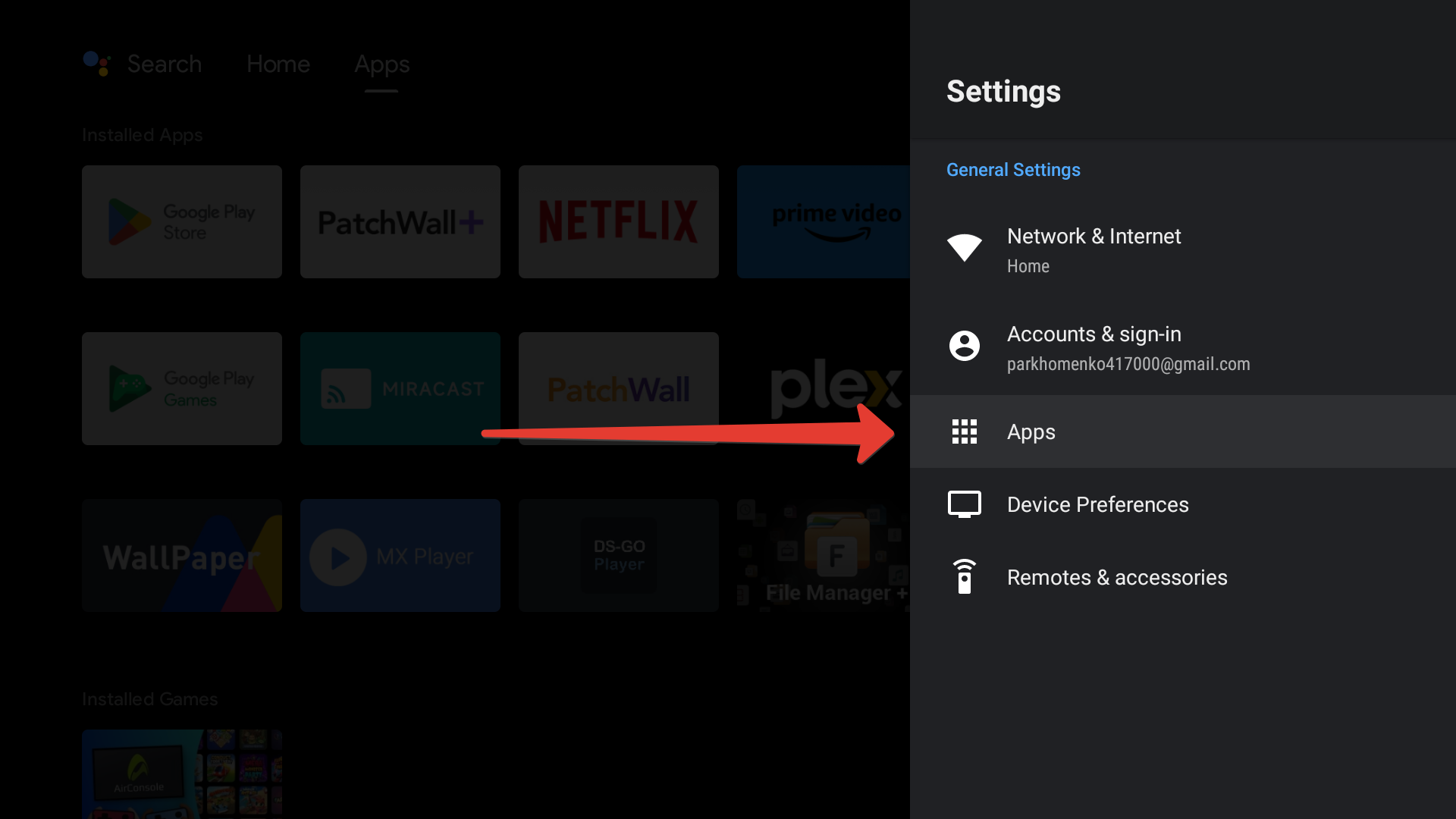
On some Android devices, the app may need to be granted permission to use device storage
To grant rights, go to the device settings and select the Applications section:
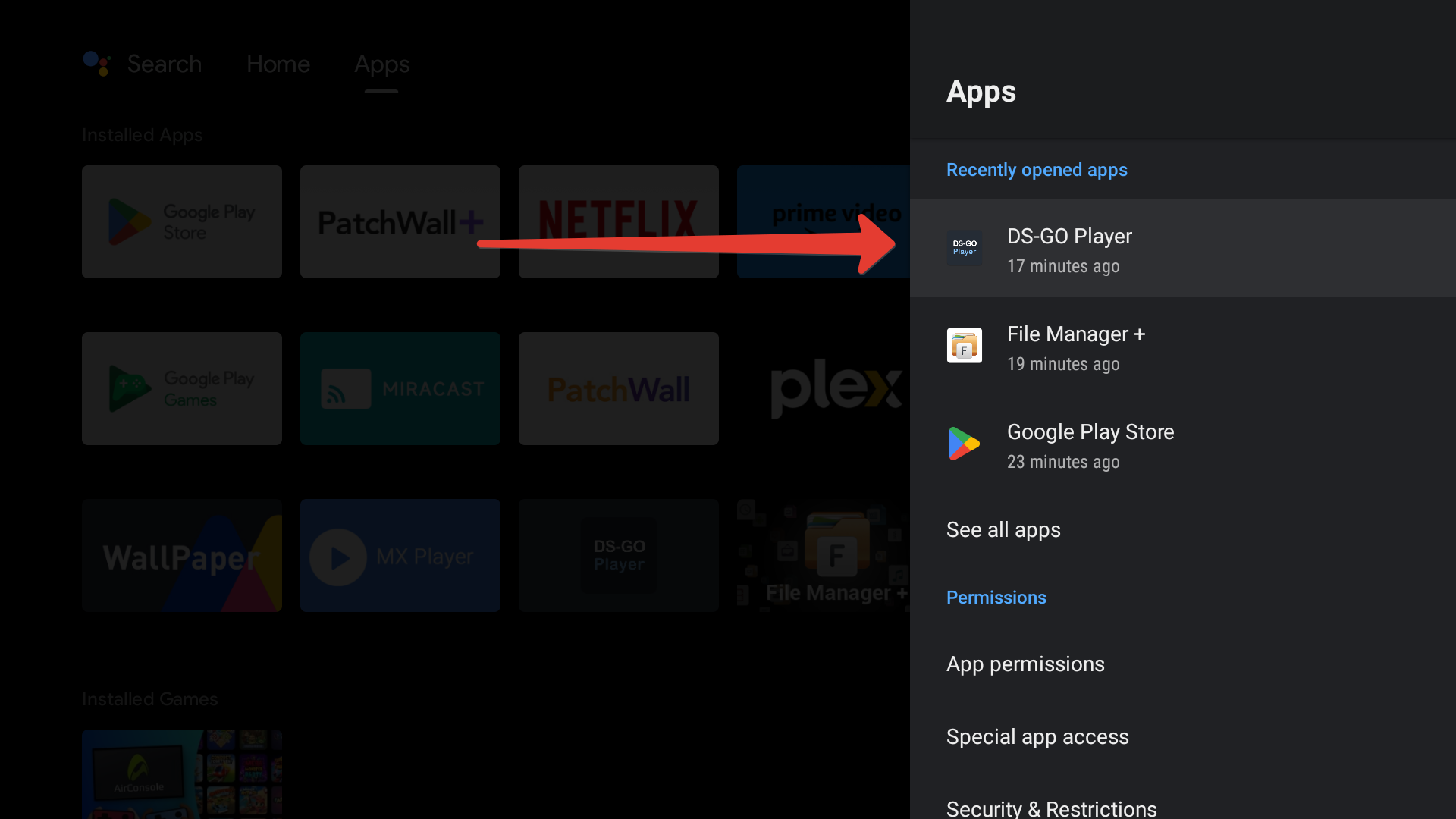
Select the DS-GO Player application:
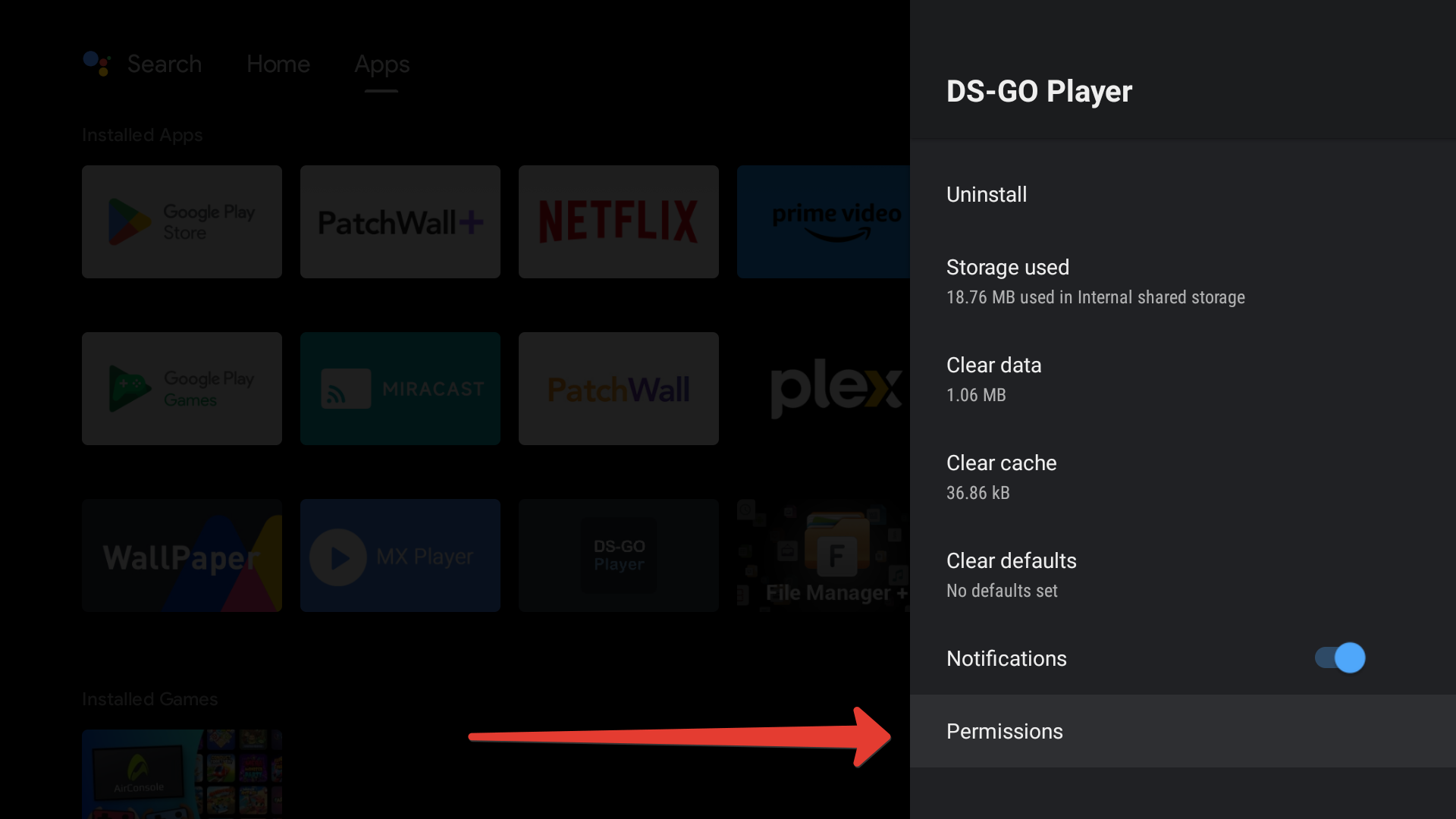
Next is the Permissions section.
Next is the Files and Media section.
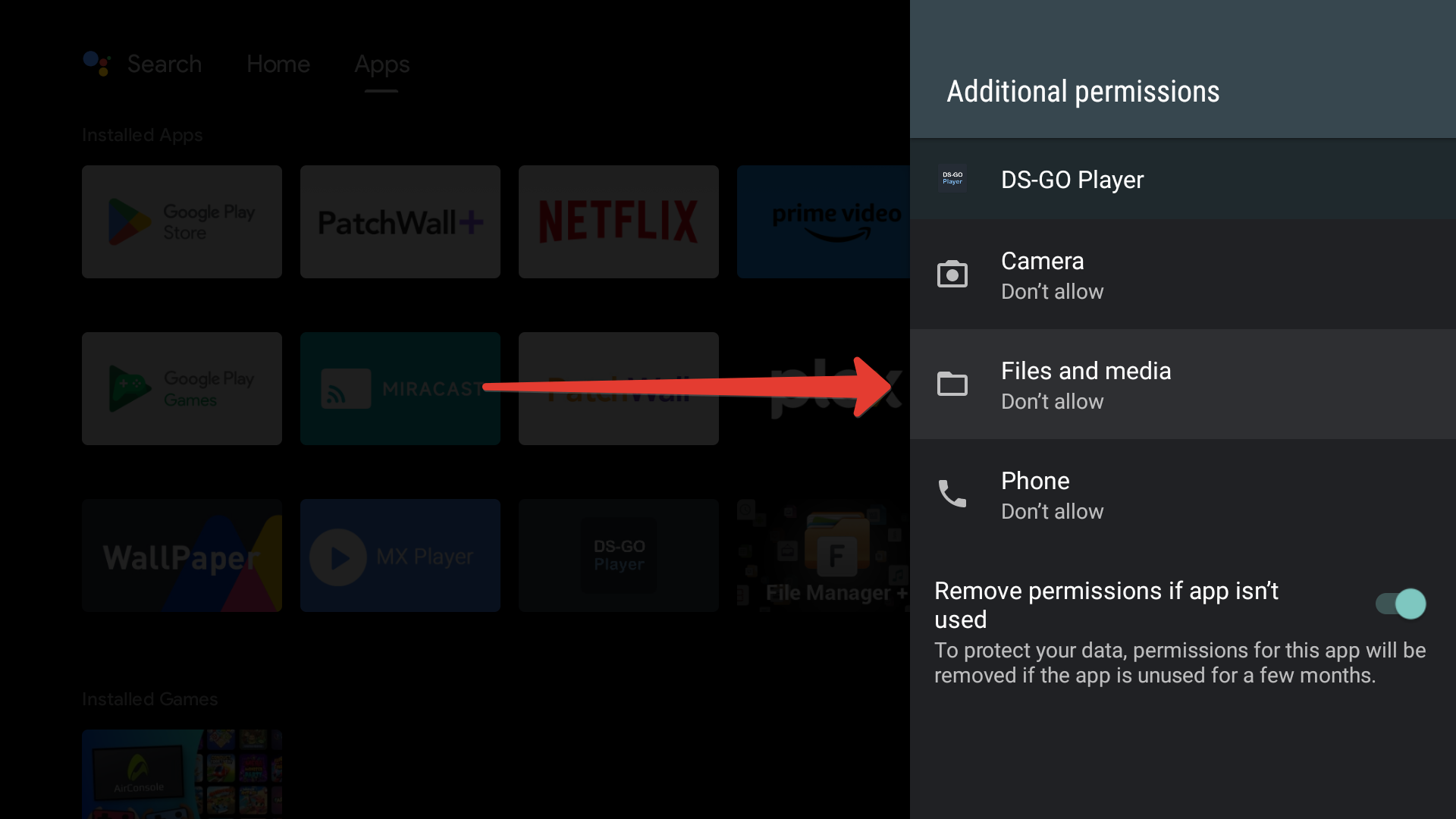
Allow memory usage.