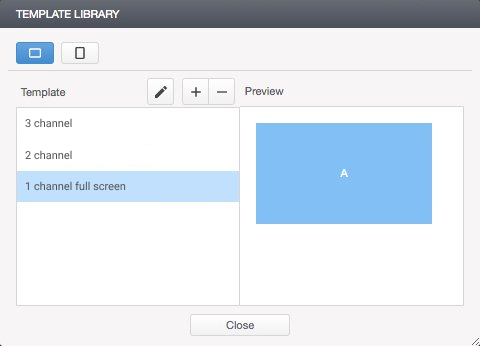
Templates are used to determine the location and size of channels to display content on the playback device screen. You can create multiple channels of different sizes and locations.
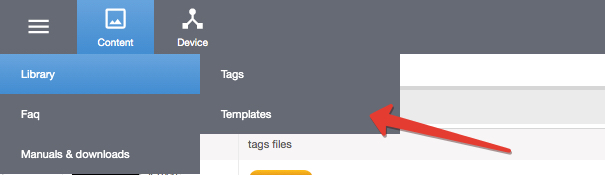
To create or edit a template, go to Menu / Library / Templates and select the screen orientation of your playback device.
Deleting a template is possible if it is not used by the playback device.
To delete a template, select the devices that use it and replace it with another one in the Device / Projects section. After this, the template can be removed from the library.
All changes in the templates used will be automatically displayed on playback devices!