After the first launch of the player, a registration code will be displayed, consisting of a set of letters and numbers.

If the registration code is not displayed, check your device’s Internet connection.
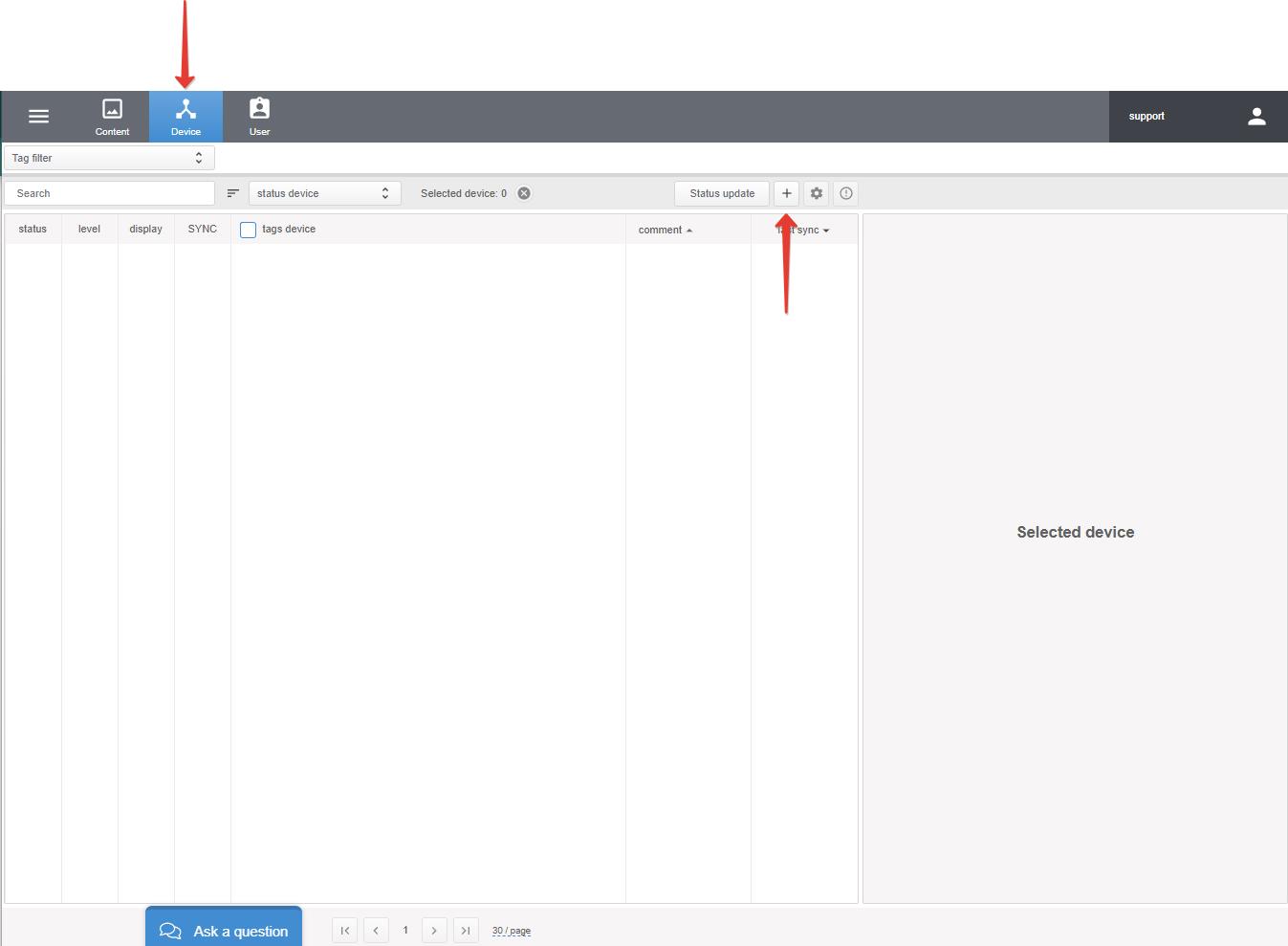
To register a device, go to the Device section and click “+“.
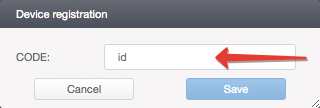
Enter the registration code and click Save.
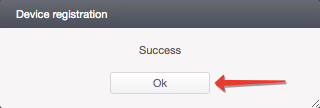
Registration is completed!