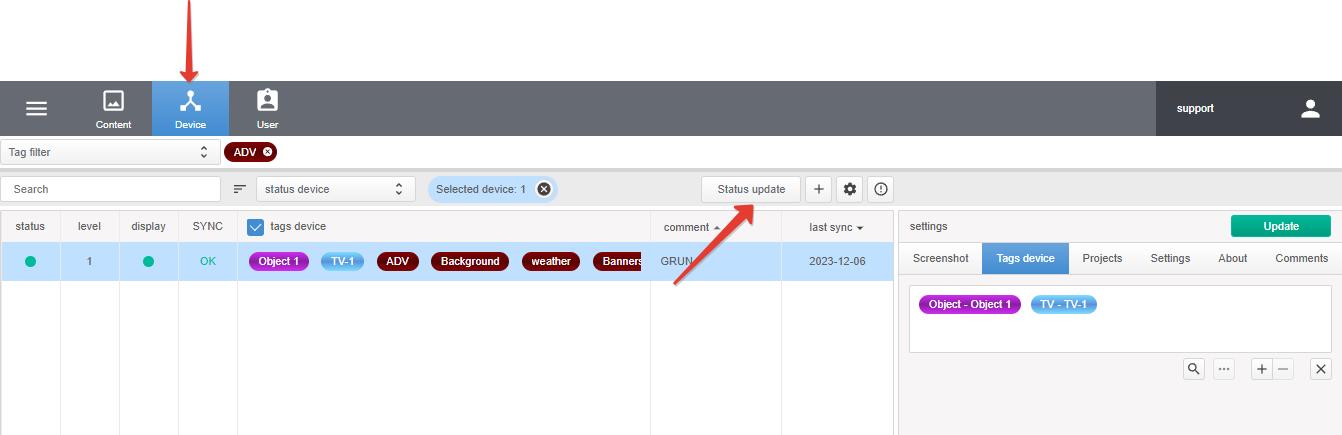
To manage devices, go to the Device section.
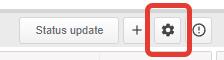
Devices are controlled using the button!
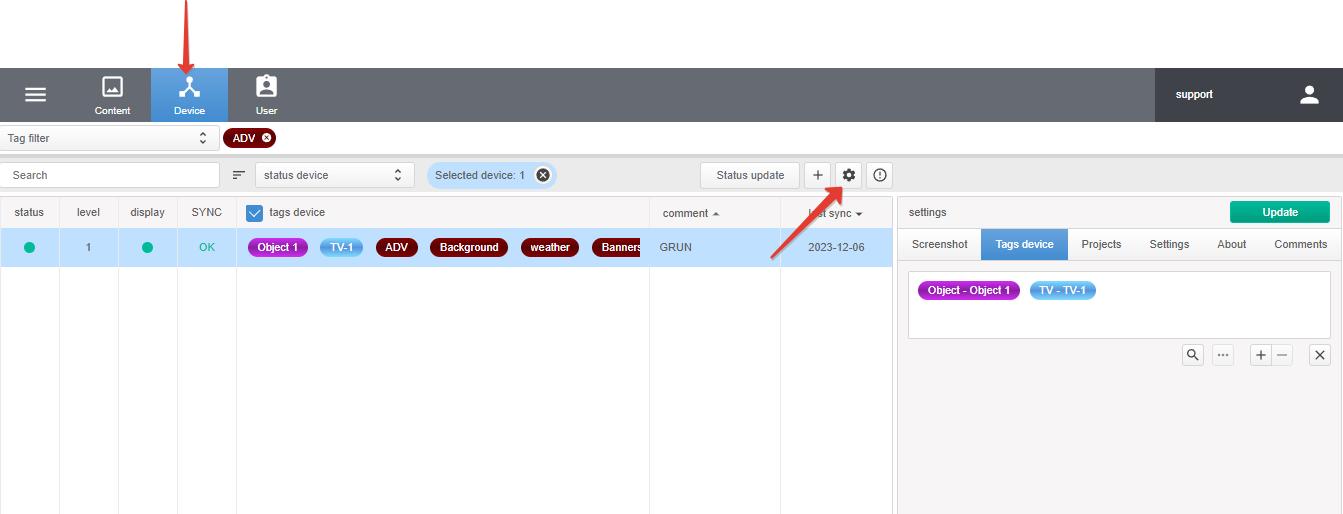
- device rebootreboot the playback device.
- device clearclearing space for storing content on the playback device.
- player rebootreboots the software player on the playback device.
- TV-ONturns on the TV or display connected to the TV-box (only for HDMI connection).
- TV-OFFturns off the TV or display connected to the TV-box (only for HDMI connection).
- soundvolume level value of the playback device.
To update the device status, click Status update.