To publish a file
- indicate the tags by which the publication will be carried out. You must specify the tags used for the device template zones to which you want to publish the file.
- configure file display properties.
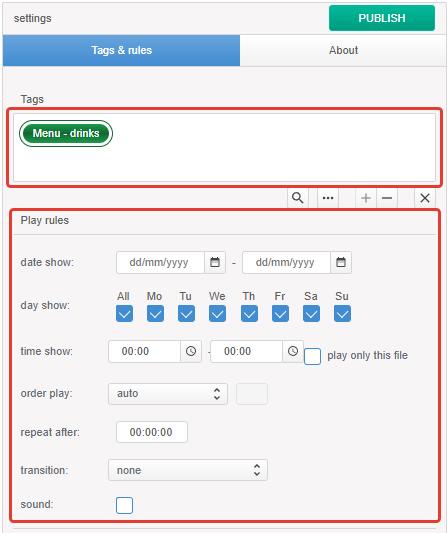
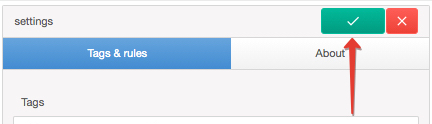
- save the display settings and click the Publish button
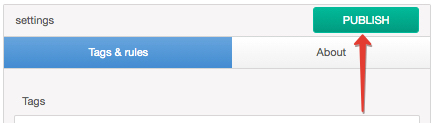
If the button is not active.
- check if the tag is specified.
- whether the specified tag is used by the device template zone.
- check if at least one day of display is selected in day show.