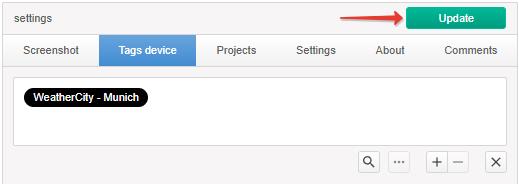
The name of the city for the weather widget is transmitted using the WeatherCity tag specified to the device in Tags device. To add a tag, go to the Device section, select the device in the Device section and click “+” in Tags device.
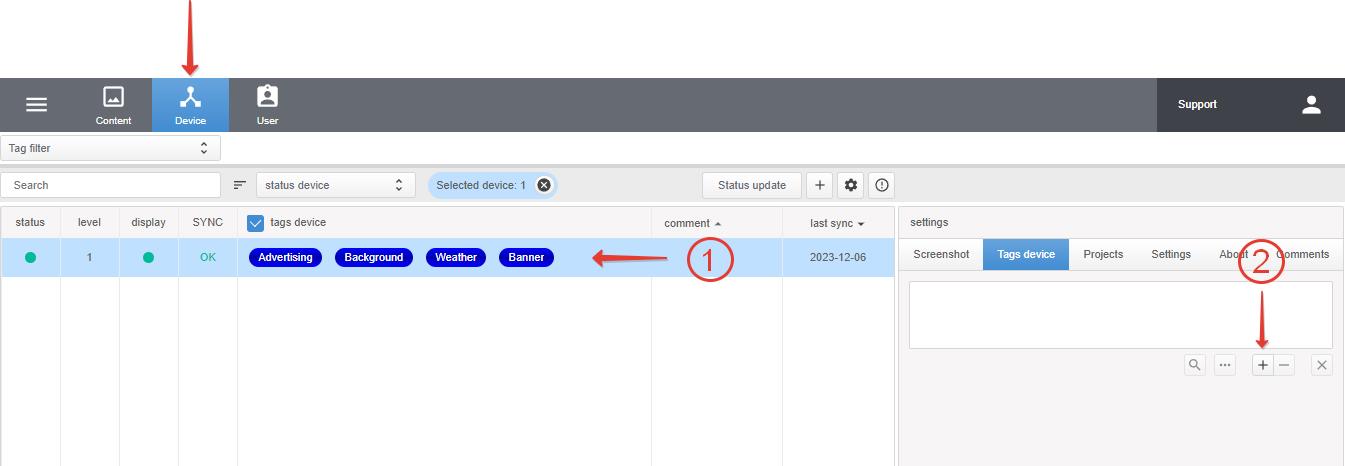
Create a new category named WeatherCity
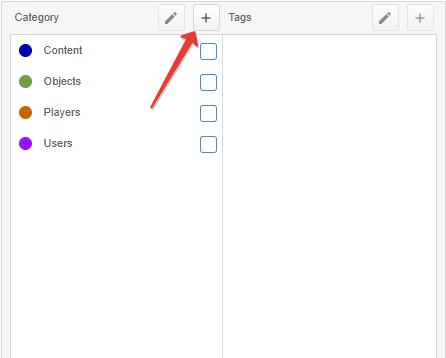
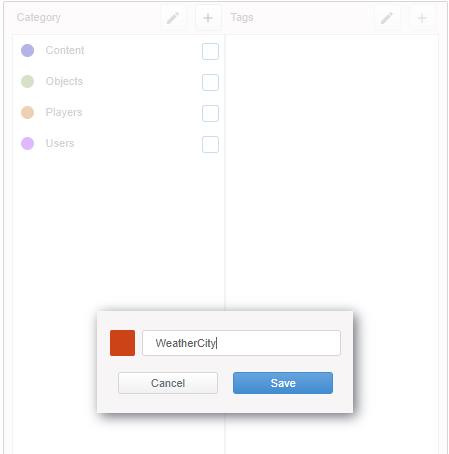
Then, in the new category WeatherCity, create a tag with the name of your city in the following format: Name,RU (separated by commas).
If the city, for example, is in Germany, indicate DE, if the city is in Ukraine, UA, and so on.
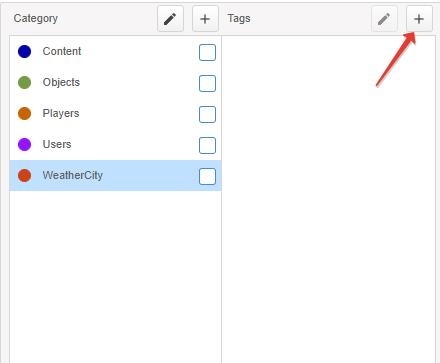
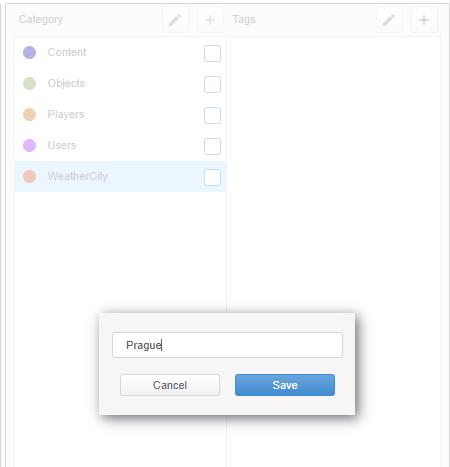
Select the created tag and click Add.
Apply the changes by clicking the Update button.
Don’t forget to publish the weather widget itself.